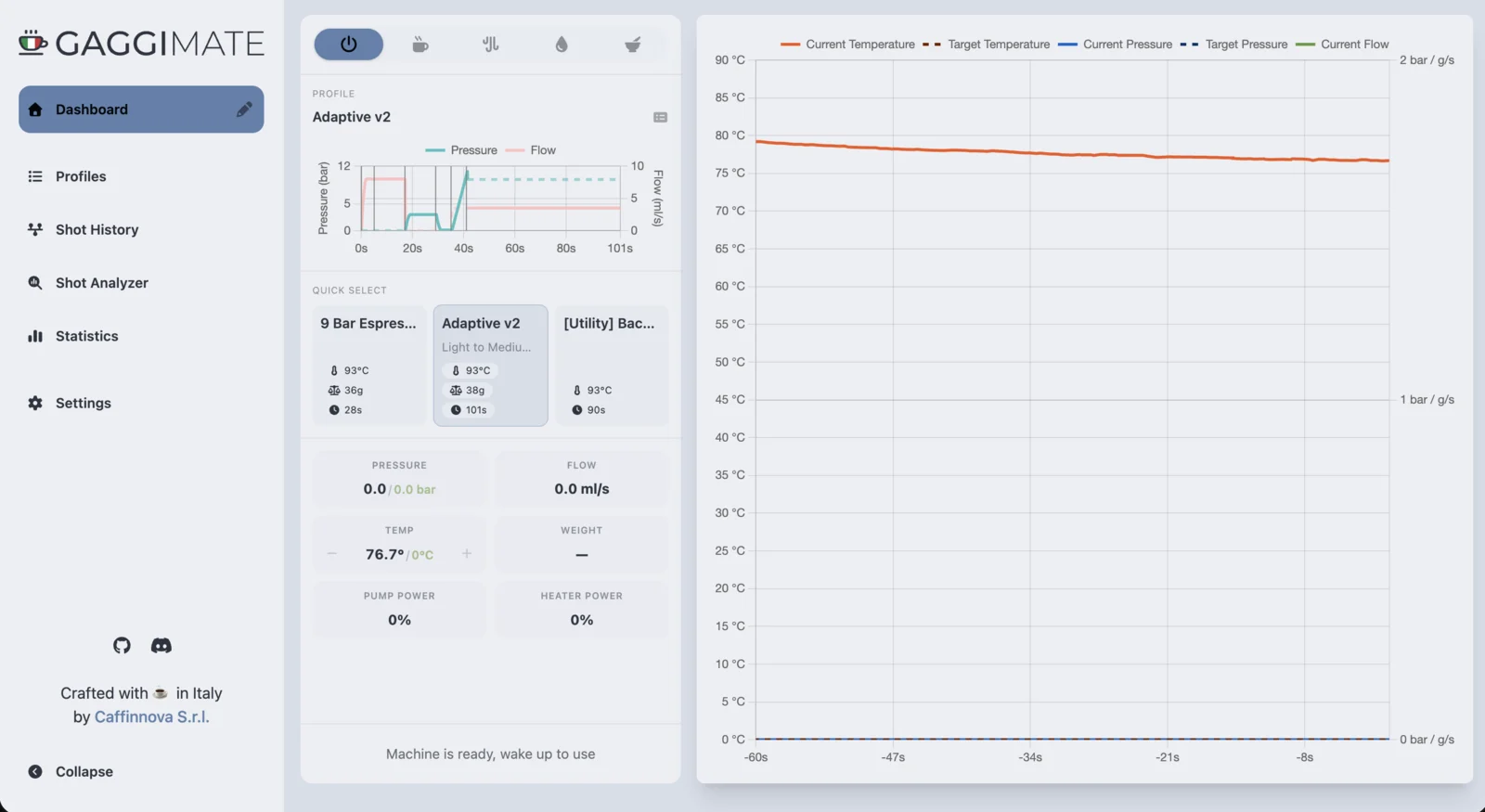
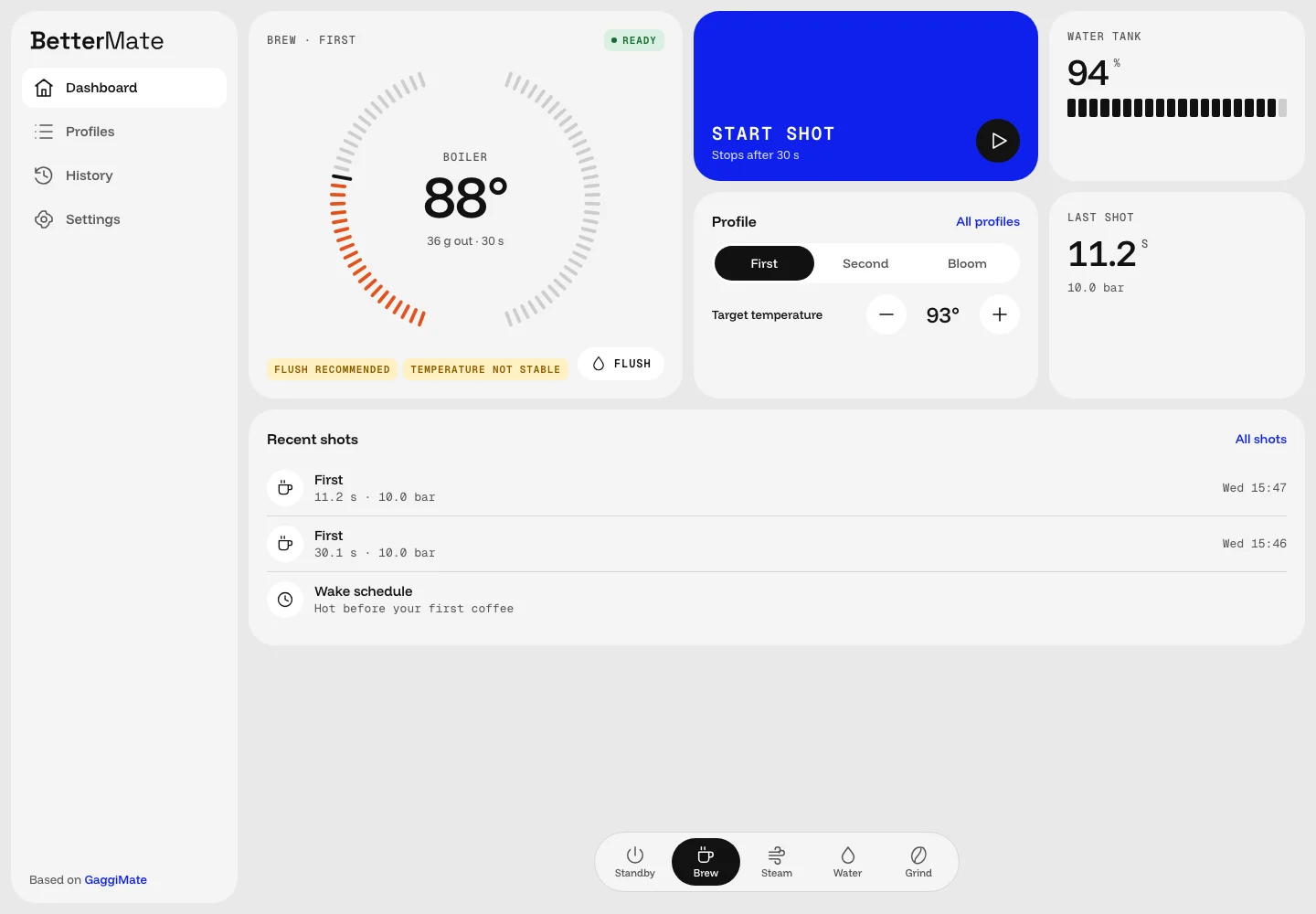
reimagined.
BetterMate is a new display and web interface for GaggiMate. It runs on the display you already have and works with the stock GaggiMate controller, so you never have to reflash it.
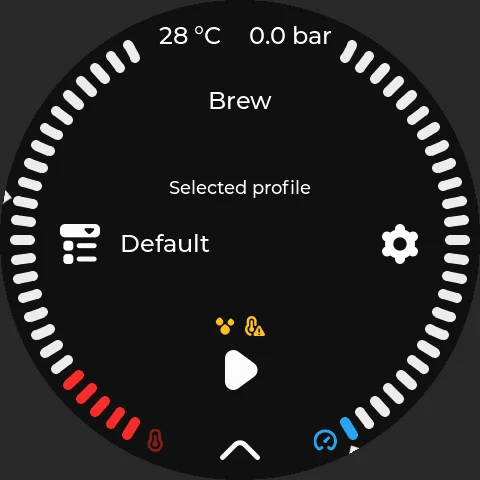
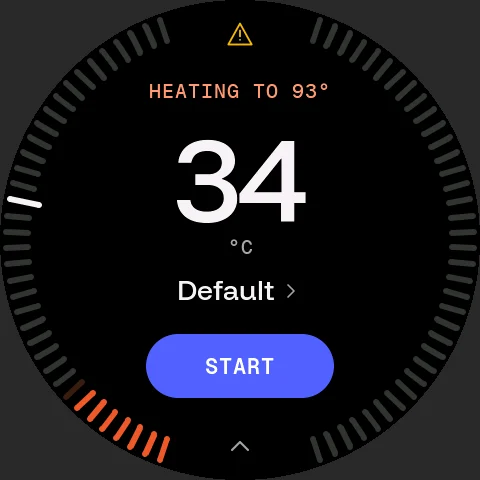
Smaller on the display
The new interface takes less room than the one it replaces. Both were built from source for the same display, each with its web app inside, and the stock build matches the official v1.9.0 release to within 1 KB.
Web app included. It fills 47% of the display's app partition, down from 54%.
Gzipped and built into the firmware, the same way stock ships it.
RAM the firmware sets aside before it runs, so more is left free.
These are sizes, not speeds. Nothing has been timed on a real machine yet.
Check your machine
BetterMate needs a controller on GaggiMate v1.9; the display can run any version, since installing replaces it. On your home Wi-Fi, this page can read the versions your machine runs and tell you whether it is ready.
Only the screens change
BetterMate replaces the parts you look at and touch: the round display and the web app. Everything that runs the machine stays GaggiMate's, exactly as it is.
BetterMate replaces
- The round display's interface: every screen, redrawn to be read from arm's length with a wet hand.
- The web app the machine serves: dashboard, profiles, shot history, settings and first-run setup.
- The name of the setup Wi-Fi network.
GaggiMate keeps
- The controller and its firmware, on stock v1.9.0. You never reflash it.
- Heater, pump and valve control, and every safety limit.
- The link between display and controller, untouched, so the controller never reports a version mismatch.
- The REST and WebSocket API, the storage keys, the
gaggimatenetwork name, MQTT topics and the HomeKit name. Your integrations see the same machine. - Stock features. A few have moved or take up less room, but the aim is to keep every one within reach.
The web app, side by side
The app your machine serves over Wi-Fi draws the boiler the same way the display does. The next thing you can do sits in one blue banner, and the modes live in a bar at the bottom where your thumb can reach them. Because the app ships inside the display's flash, it has to stay small: the two fonts take 41 KB, the 53 icons about 3 KB, and the interface uses no images.